
The Hug effect · For two · 5 second clip
AI Hug Video Generator
Add a photo of each person, or one photo of you both, and the two of you turn in for a warm hug. It runs in your browser, the price is on the button, and a failed render is refunded.
Make my hug videoYour picture
A single picture works: just you, or the pair of you.
Tip: Drag photos into the boxes, or press Ctrl+V (⌘V) to paste.
Effect
Take
Effects only run on Seedance, so Wan 3.0 is off. Current model: Seedance 2.0 Mini.
Price: 5 credits. Done in roughly 2 to 5 min; if it fails, the credits come back. See prices
The short answer
An AI hug video is a short clip where two people photographed apart turn towards each other and hold on. Add one clear photo per person, or tick My picture already has both people, keep Hug selected and press Apply effect. Seedance 2.0 Mini returns 5 seconds at 720p in 9:16 for 5 credits, and a render that fails is refunded. Each person can come from a different photo, city or year: backgrounds are ignored and the embrace is built between the two faces. The clip carries ambient audio rather than a song, so add a sound when you post.
What's new on this page
Published November 2, 2026. Last updated November 3, 2026.
- Trimmed the page, added a photo checklist and the four two-person effects side by side.
- Page published. The studio opens on the Effects tab with Hug selected.
The Hug effect
What Is an AI Hug Video?
An AI hug video is a short clip where a video model makes two people from two different photos move into one embrace. Nothing is filmed and there is no prompt to write.
What the Hug effect shows
Hug is one of 34 photo effects. The pair stand side by side in soft daylight, glance at each other and smile, then turn in and hold on, one head on the other's shoulder. The model keeps each face, hairstyle and outfit from its own photo, which is why two chest-up shots blend better than a close-up next to a full-length picture.
Is it a filter or a face swap?
Neither. There is no live camera filter, so two people who never met can share one frame, and no existing footage is reused the way a face-swap template would.
Want the pair to sing instead of hug? See the AI Rap Video Generator
Step by step
How to Make an AI Hug Video in 3 Steps
From two pictures to a clip you can send. The price shows on the Apply effect button before you start.
- 1
Add a photo of each person
One chest-up photo each, faces clear and well lit, JPG, PNG or WEBP up to 20 MB. Only have one picture with both of you? Tick My picture already has both people.
- 2
Keep Hug selected
This page opens on the Effects tab with Hug chosen at 720p, 5 seconds and 9:16. Length, quality and shape sit in the Take settings.
- 3
Create and send it
Press Apply effect, wait about 2 to 5 minutes, then download the MP4. If the render fails, the credits come back.
What you get
What You Get From Two Photos
A new clip from your two pictures, not a face pasted onto someone else's footage.
 01
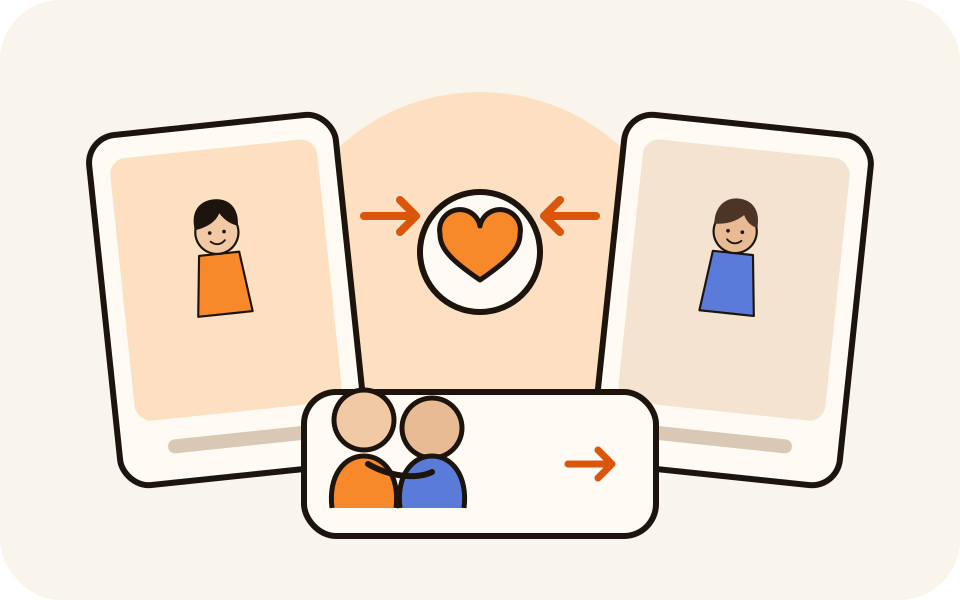
No shared photo needed
Each person comes from their own picture and the background is ignored.
 02
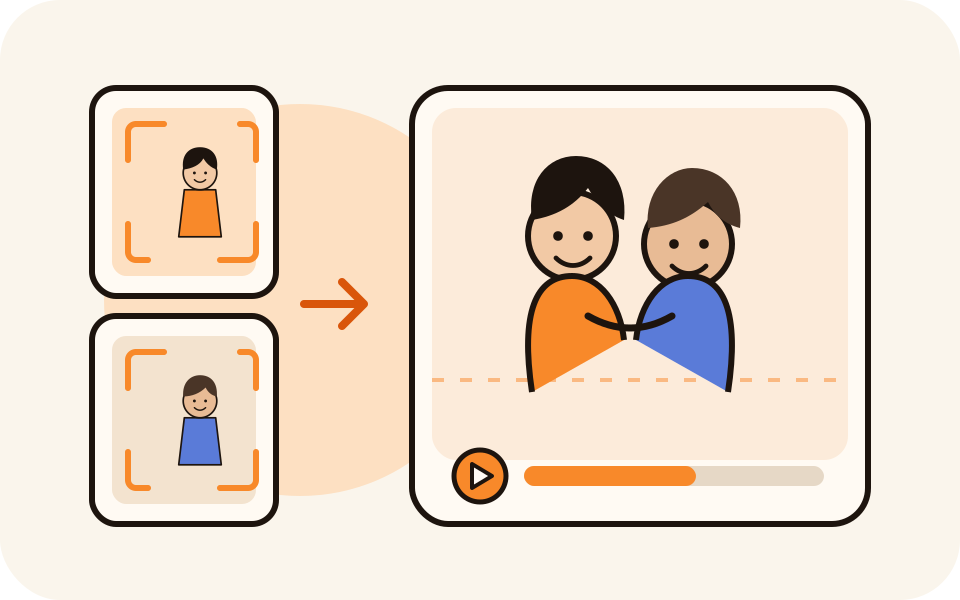
Their faces, their outfits
The face, hair and clothes come from each photo and are followed through the move.
 03
A price on every option
The 5 second 720p clip is 5 credits, and every other setting shows its own price.
 04
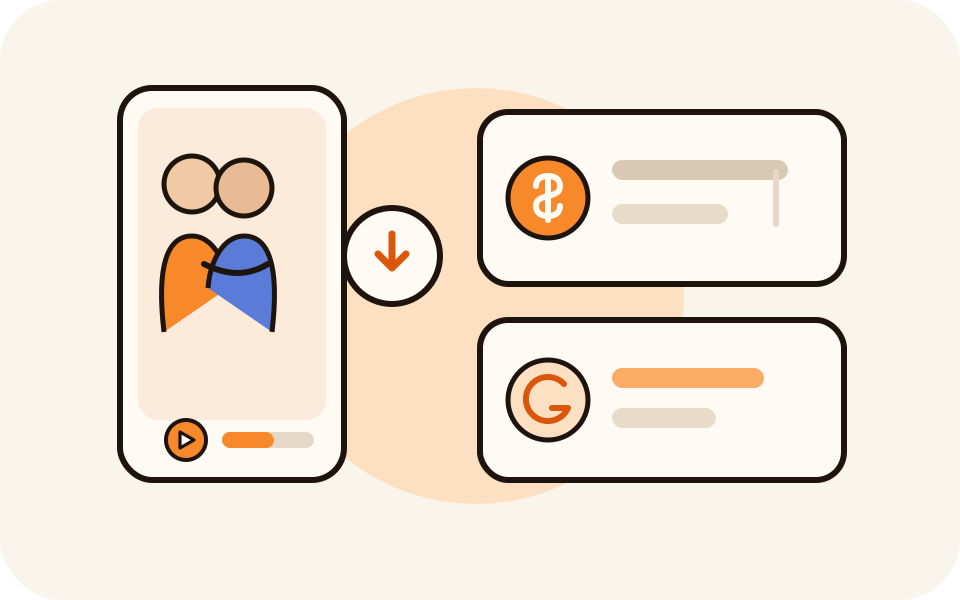
Yours to keep, refunded if it fails
No watermark, packs never expire, and a failed render returns its credits.
Before you press the button
What Photos Work, and What to Keep in Mind
Most hug videos disappoint because of the photo, not the model.
Pick two photos that match
- Crop both the same way: two chest-up shots blend better than a close-up next to a full-length picture.
- Face forward, eyes visible, even light. Sunglasses or a hand over the mouth give the model less to follow.
- Different years and cities are fine, as long as each face is sharp.
What the hug will and will not be
- Every clip gets the effect's own move: the pair turn in and hold on, one head on the other's shoulder.
- No choreography to pick and no lyrics. For a song, use the Duet tab.
- 5 seconds by default, longer and sharper in the Take settings, with no music in the file.
Who to hug, and who to ask first
- Your own photos are always fine. Someone else's needs their permission.
- No strangers, celebrities or public figures, and never a photo used to embarrass someone.
If the photo is not yours, do not render it. A clip of a real person hugging reads as real.
Ideas
5 Hug Videos People Make With Two Photos
Two pictures and one tap is enough for each of these.
A friend in another country
Two selfies from two cities, sent instead of a text.
You and your younger self
A school photo next to one from this year, each in its own clothes.
A partner far away
Long distance or a long shift: an anniversary message from one photo each.
Grandparents and grandchildren
Two generations from two old phone photos, one arm around each other.
A post with a trending sound
Render the clip, then set it to the song trending this week.
Four routes
Hug, Memorial Hug, Polaroid Hug or Slow Dance?
All four are marked For two and take one photo per person.
Hug effect
2 people · 5 s · soft daylight
The plain, bright embrace. The default here.
Memorial Hug
2 people · 5 s · quiet light
The gentler cut, for someone who has passed away.
Polaroid Hug
2 people · 5 s · instant print
The same embrace inside a Polaroid frame.
Slow Dance
2 people · 5 s · dim ballroom
Not a hug: the pair sway cheek to cheek.
Why make it here
Built for the Hug effect, priced on the button
Other tools bury an effect like this in a template library.
No app, no template
It runs in the browser. The scene, the camera and the embrace are already built in.
The real model names
Seedance 2.0 Mini by default, or 2.0 Fast, 2.0 and 2.5 at up to 1080p.
One photo each, or one shot
Two portraits by default, or a single picture with both of you.
Pay per clip, refunded if it fails
5 credits per clip, packs from $6.99, no watermark.
Questions
Before you make your hug video
Photos, price, sound and what the Hug effect can and cannot do.
How do I make an AI hug video from two photos?
Add one clear photo per person, or tick My picture already has both people. Keep Hug selected and press Apply effect; a few minutes later you get a 5 second clip of the two of you turning into a hug.
Do the two photos need to be taken together?
No. Each person can come from a different photo, city or year, and the background is ignored: you can hug a friend abroad or put today's you next to a childhood photo.
Can I make one from a single photo?
Yes, if that photo shows both people: tick My picture already has both people. A solo photo is not enough, because the effect needs two faces.
What photo works best?
A clear, front-facing, chest-up photo of each person, cropped the same way, in even light. Whatever they wear is what they hug in. JPG, PNG or WEBP up to 20 MB, no sunglasses or covered mouths.
How much does it cost?
5 credits for the default 5 second 720p clip; 480p is 3, Seedance 2.0 Fast 8, Seedance 2.0 9 and 2.5 16. Packs start at $6.99, and a failed render is refunded.
Does the clip come with music?
No. The effect writes no song and no dialogue, only ambient audio, so add a sound from the TikTok or Instagram library when you post. For lyrics inside the file, use the Duet tab.
Which effect: Hug, Memorial Hug, Polaroid Hug or Slow Dance?
Hug is the bright, plain embrace. Memorial Hug is softer, for someone who has passed away. Polaroid Hug frames it as an instant print. Slow Dance is two people swaying.
Can I use a photo of someone else?
Only with their permission, or a family photo you have the right to use. No strangers, celebrities or public figures, and every render passes a safety checker.
What if the render fails?
Credits come back automatically, so a failed render costs nothing. Adjust the photos and create again.
Make Your AI Hug Video
Two photos in, a warm 5 second embrace out. The price is shown before you create.